Webhooks
Webhooks portal
The Checkout API Order Webhooks allow merchants to gain visibility into how we reconcile incoming payments for the orders placed through our Two Checkout API service. This feature serves two purposes: first, it enables you to keep your internal records up to date and respond to queries, and secondly, it allows you to directly expose this information to your buyers.
We facilitate webhook consumption using the SVIX portal. To learn how to start consuming webhooks through the portal, please refer to the SVIX documentation.
Webhook postman collection
You can download our webhook simulation postman collection here to get started
Available Webhook Events
The Two API offers a wide range of webhook events. Below is a list of available events linked to their detailed definitions.
Order Reconciliation
order.reconciliation.invoiced.v1order.reconciliation.payment_allocated.v1order.reconciliation.credited.v1order.reconciliation.recoursed.v1order.reconciliation.collected.v1
Order Status
Customer & Credit
customer.credit_limit.updated.v1billing_statement.created.v1instalments.invoiced.v1customer.in_arrears_block.v1customer.approaching_arrears_block.v1customer.exit_arrears_block.v1customer.exit_approaching_arrears_block.v1
Other Events
customer.user.verified.v1merchant.payee_account.activated.v1- Workflows: Created, Progressed, In Review, Completed, Failed
- Credit Lines: Requested, Approved, Rejected, Opened, Closed
- Business Registry: Approved, Rejected
Common Attributes
For reconciliation events, we use common attributes across all order.reconciliation event types.
An example of these attributes is provided below:
{
    "data": {
        "root_order_id": "652a57e2-c2de-437b-96a7-2eeac0a37814",
        "order_id": "a9f5d2d3-5d6d-4e2a-a4b4-6c7f8a9d0f1e",
        "invoice_id": "7a5a7b9b-7d9e-4e9e-b9b1-2d7c658e1a4d",
        "merchant_id": "b6b9d5d1-f6b7-4e15-9703-9c32c6e5c1c2",
        "billing_period_id": "175bda61-c6f2-4b9d-a429-5f31c83ecc10",
        "amount": "100.00",
        "currency": "GBP"
    }
}
root_order_id: The original order ID this order stems from. This is only useful for orders that are partially fulfilled, where theorder_idwill be a child or descendant of the root order.order_id: A unique identifier for the order. For non-partial fulfilments this will match theroot_order_id. If the event relates to a child order arising from partial fulfilment, thisorder_idwill be different from theroot_order_id.invoice_id: A unique identifier for the invoice as represented in Two's system.billing_account_id: A unique identifier representing the buyer's billing account (which describes how the buyer is to be invoiced for this order). If not associated with a billing account, will benull.merchant_id: A unique identifier for the merchant in Two's system. Will typically match thetwomerchantidin the top level of the event.billing_period_id: A unique identifier for the statement/grouping this order will be included in, if any. If the order is not included in a statement, will benull.amount: The financial amount associated with this event. For invoices this will be negative. For payments to Two or other reductions in the debt owed by the buyer this will be positive.currency: An ISO 4217 alphabetic currency code representing the currency of the amount.
Testing Webhooks
To initiate testing of the webhooks, you must first create an order through the checkout API service in your sandbox environment. Please refer to the Order Creation Guide to learn how to create a Two order.
- After successfully creating an order, capture the globally unique id generated in the CREATE ORDER response.
- Continue with the normal order flow by verifying the order. Visit the
payment_urllink provided in the response. This action will transition the order state fromUNVERIFIEDtoVERIFIED. To mark the order asFULFILLED, make use of the fulfil order endpoint. - While awaiting completion of the fulfilment process, the order state will progress from
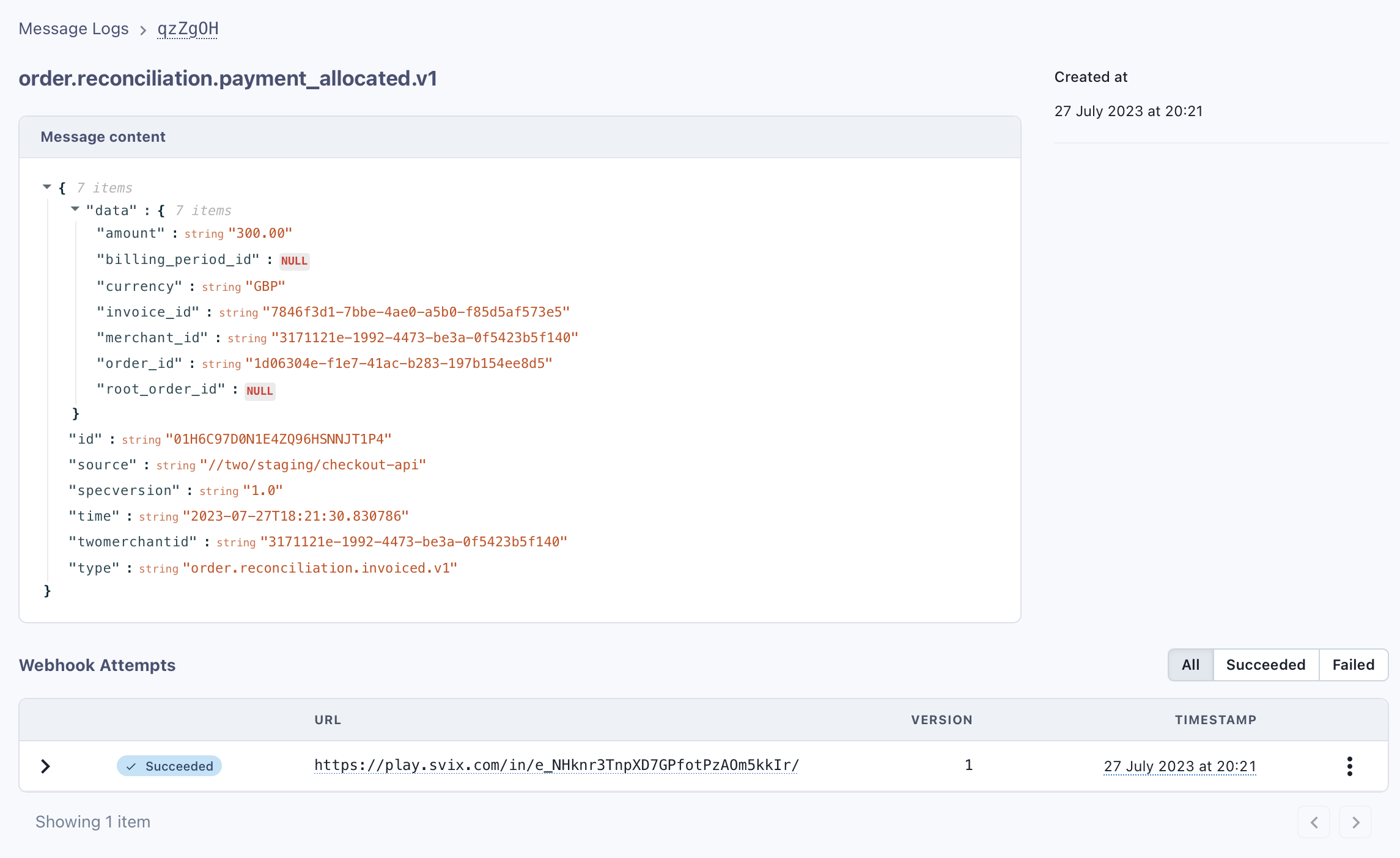
FULFILLINGtoFULFILLED. Upon successful fulfilment, a webhook event will be delivered to any subscribed endpoint. The event will also be visible in the Svix app portal.
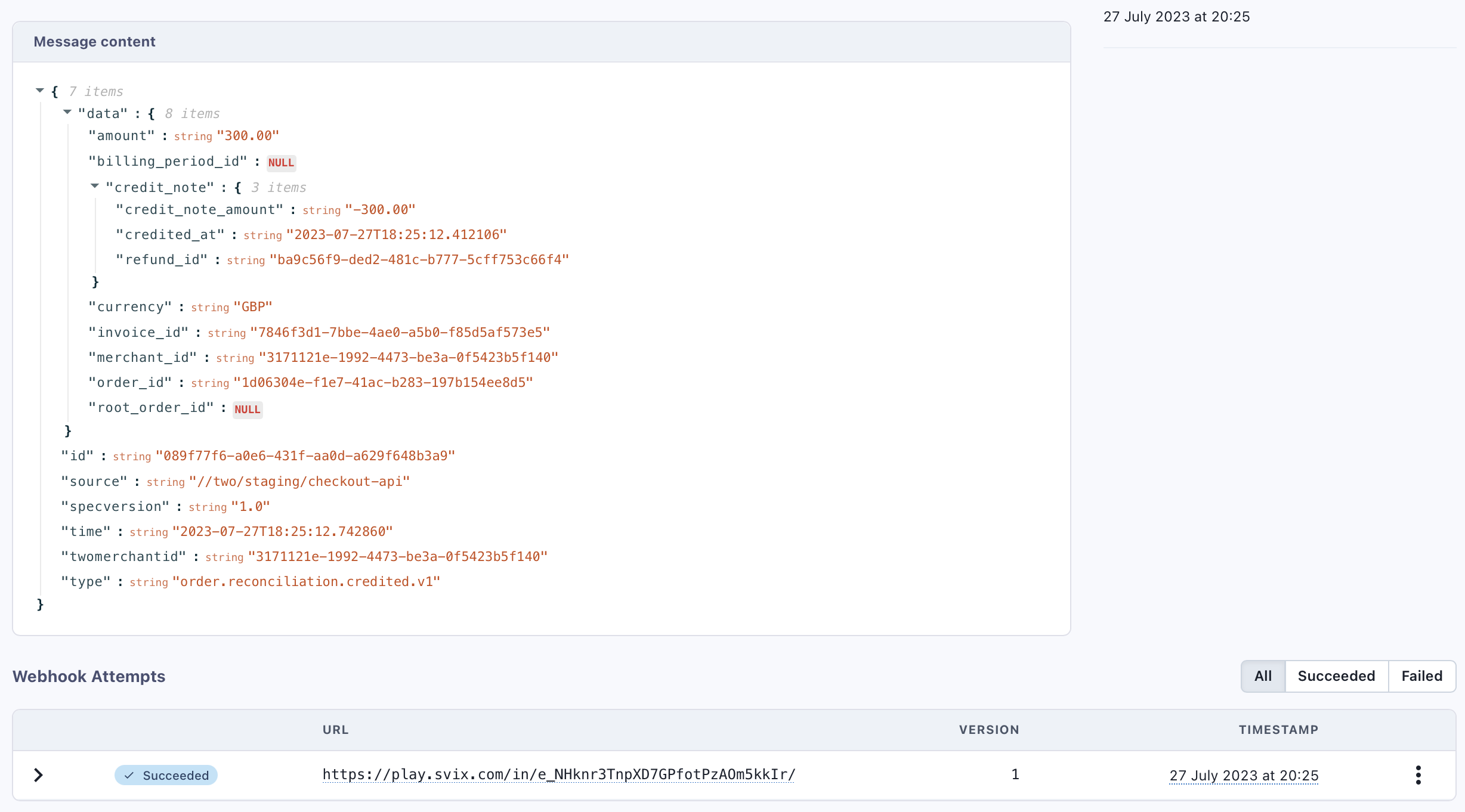
Invoice Credited Event
- After successfully creating an order and fulfilling, you may proceed to refund the same order by using the REFUND order endpoint. Once the refund process is completed, you will receive a credited_event webhook event.
How to emit fake webhooks based on schemas
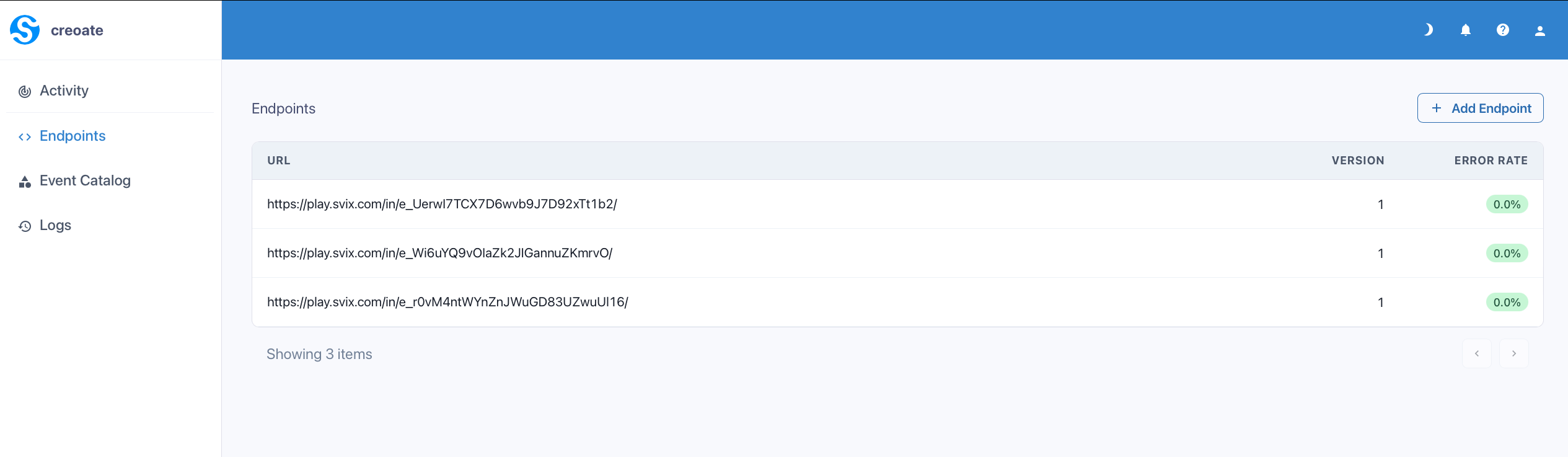
First open your application through the SVIX portal.
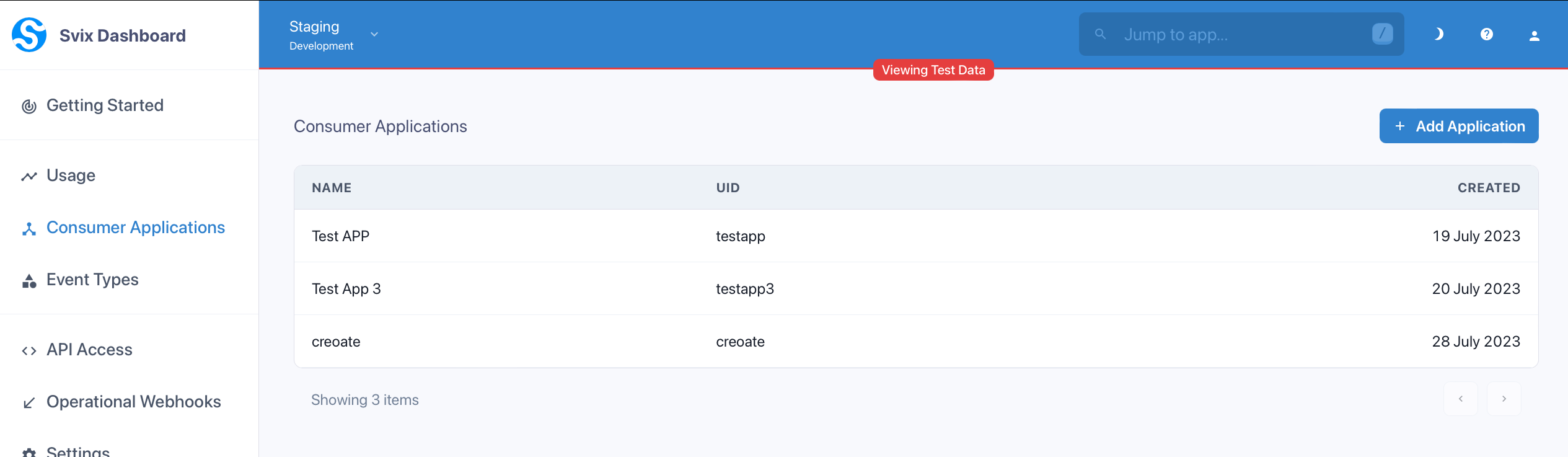
Select the webhook subscription that you have created
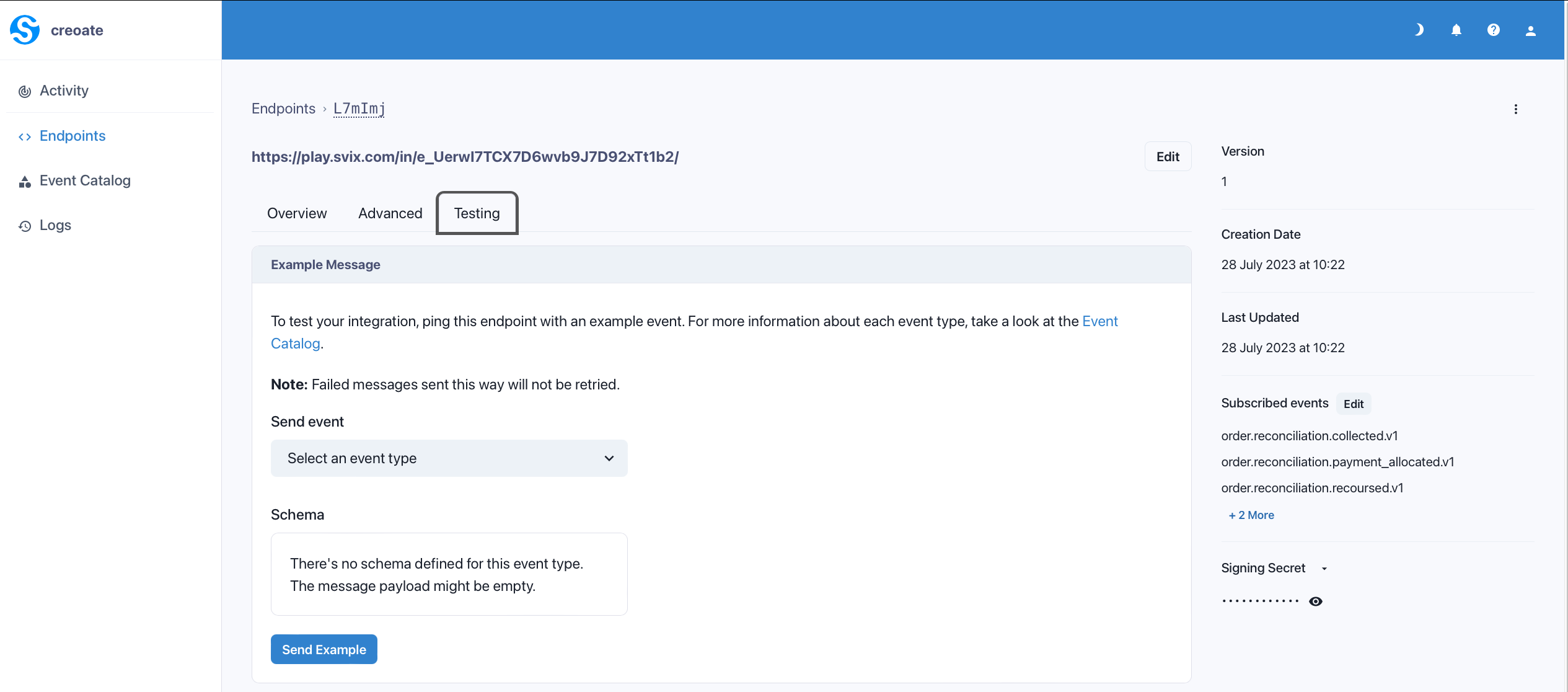
Now that you have chosen your subscription, you can select the testing tab. To begin sending example webhook events.
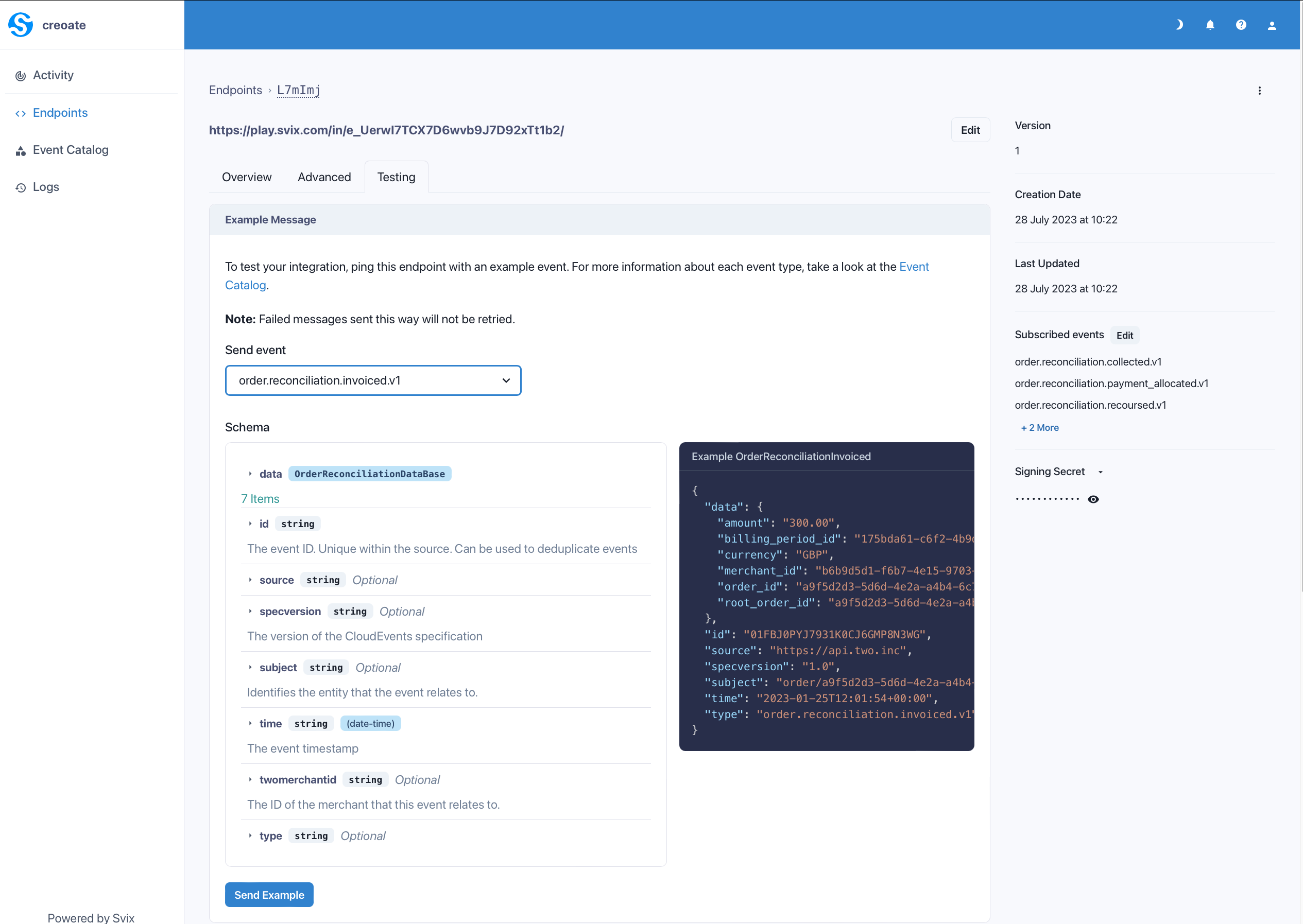
You can select an event type from the drop-down options right here. In this example, we have chosen the "Order Invoice Issued Reconciliation Event." When you click the "Send Example" button on this portal view, you'll be able to see a mocked webhook response of what the subscriber will receive for the selected event.
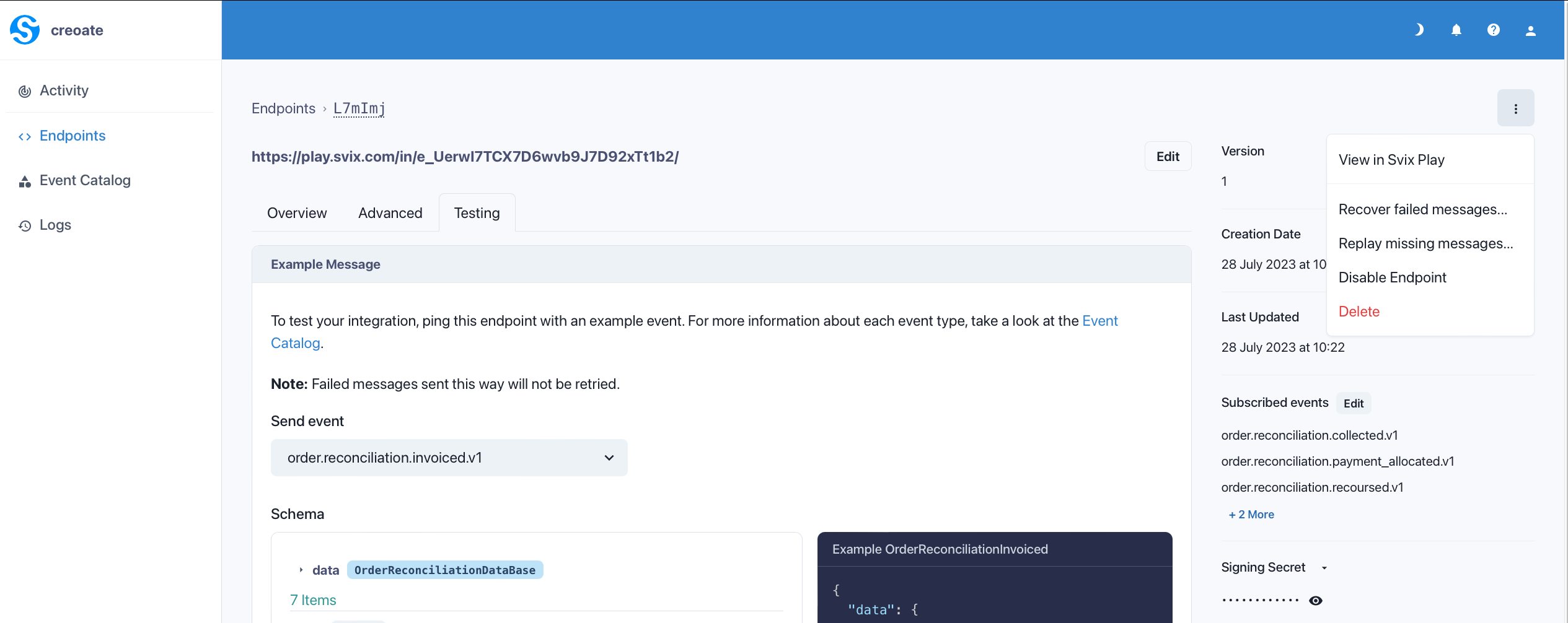
There is an additional view in the SVIX play window. This can be accessed by clicking the three vertical dots menu in the top right corner and selecting "View in SVIX Play".
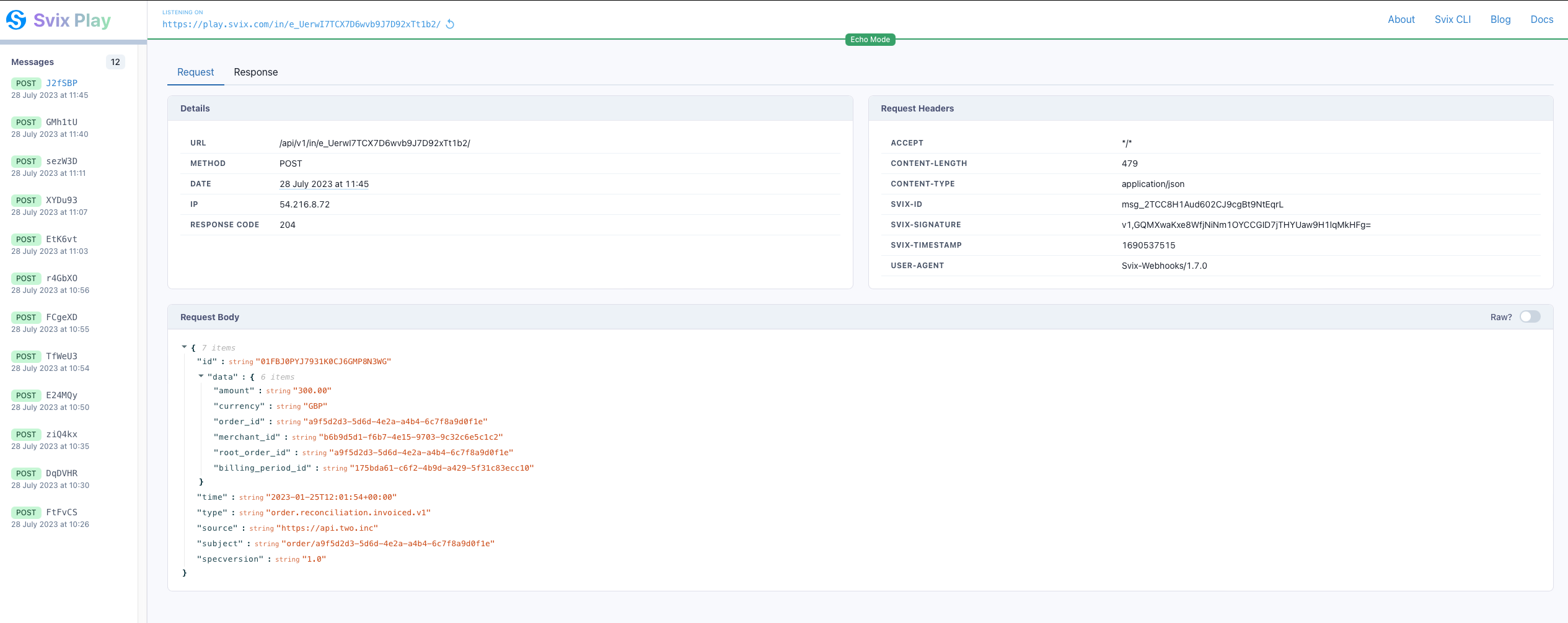
See the image below for a view of the SVIX play portal and what the subscriber sees.