
Craft Commerce Plugin
Integrate Two's B2B payment solution into your Craft Commerce store, allowing business customers to pay on invoice with flexible payment terms.
Prerequisites
Before you begin, ensure you have:
- Craft CMS version 3.7.0 or later
- Craft Commerce version 3.4.0 or later
- Your Two API credentials (Merchant ID and API keys)
- Sign up at portal.two.inc
- You'll receive an email with your test API keys
- Once ready for production, you'll receive your live API keys
Installation
Step 1: Install via Composer
Navigate to your Craft project root directory and run:
cd /path/to/project
composer require netlab/commerce-two
Step 2: Enable the Plugin
- Go to Settings → Plugins in your Craft admin panel
- Find Commerce Two in the list
- Click the Install button
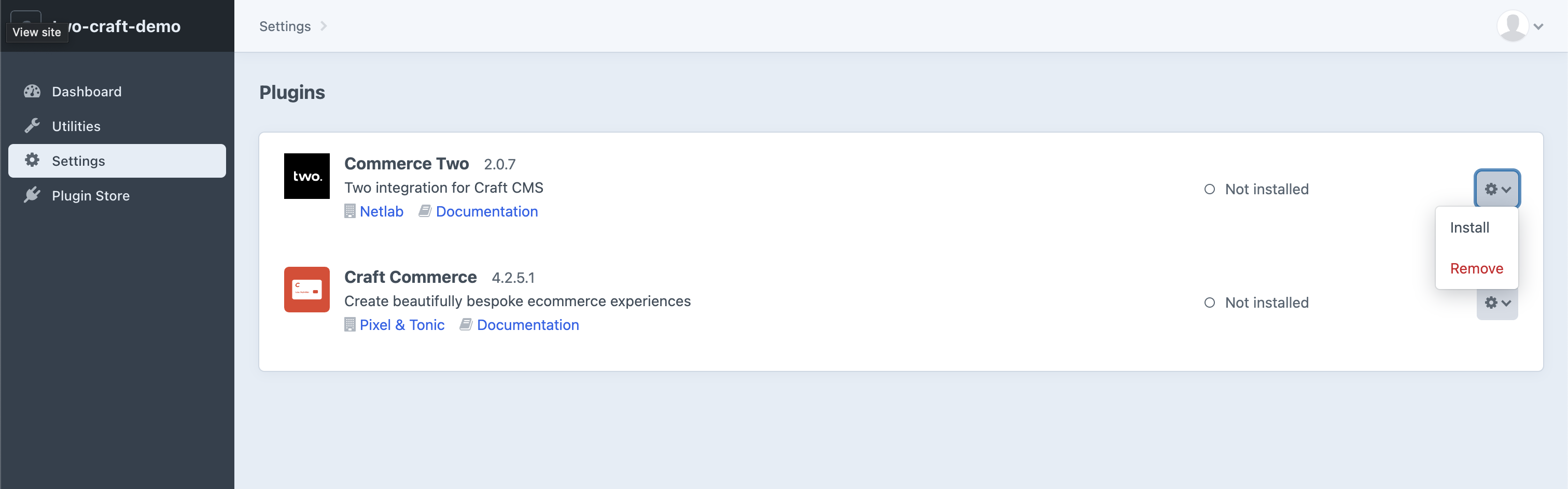
You can also find the plugin on the Craft 4 Plugin Store.
Configuration
Step 1: Add API Credentials
- Navigate to Settings → Plugins → Commerce Two (or visit
/admin/settings/plugins/commerce-two)
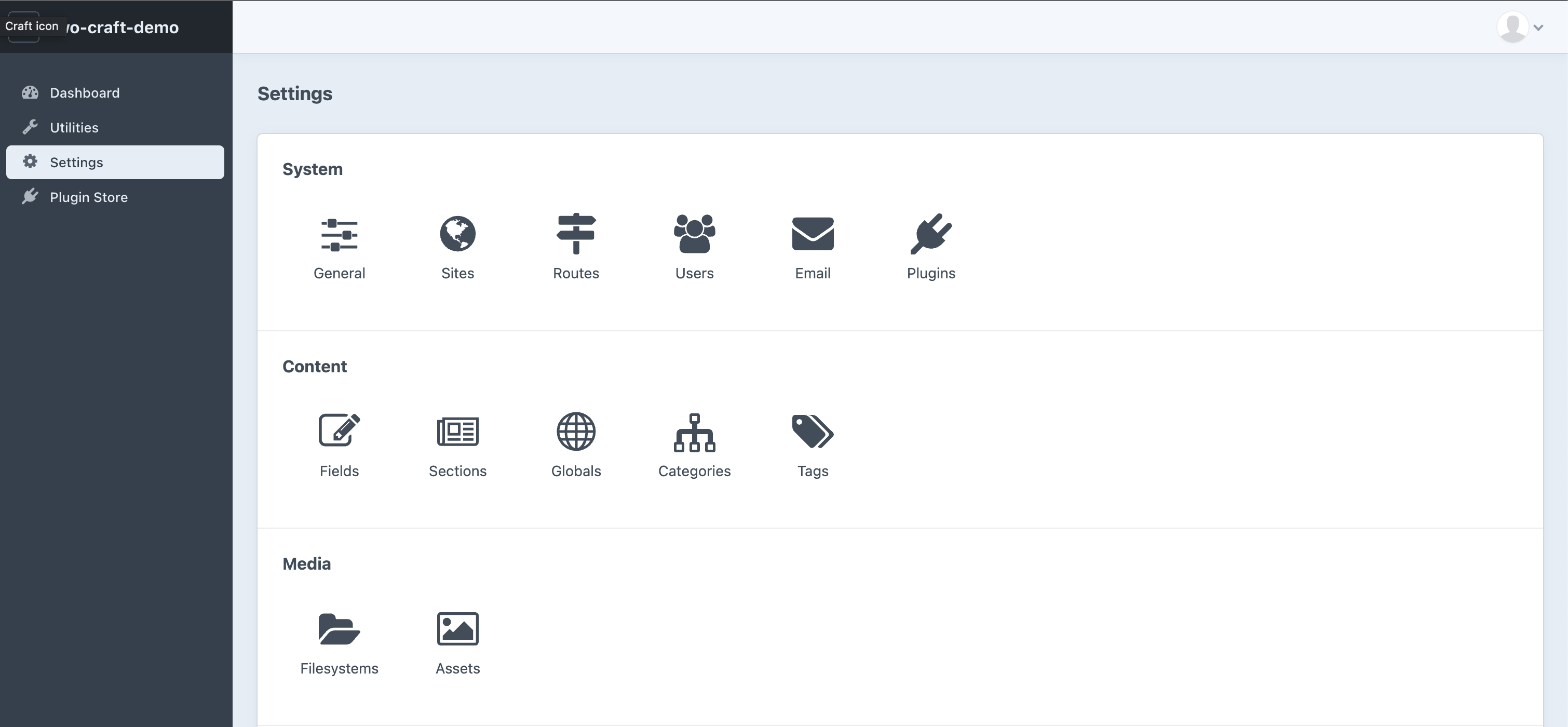
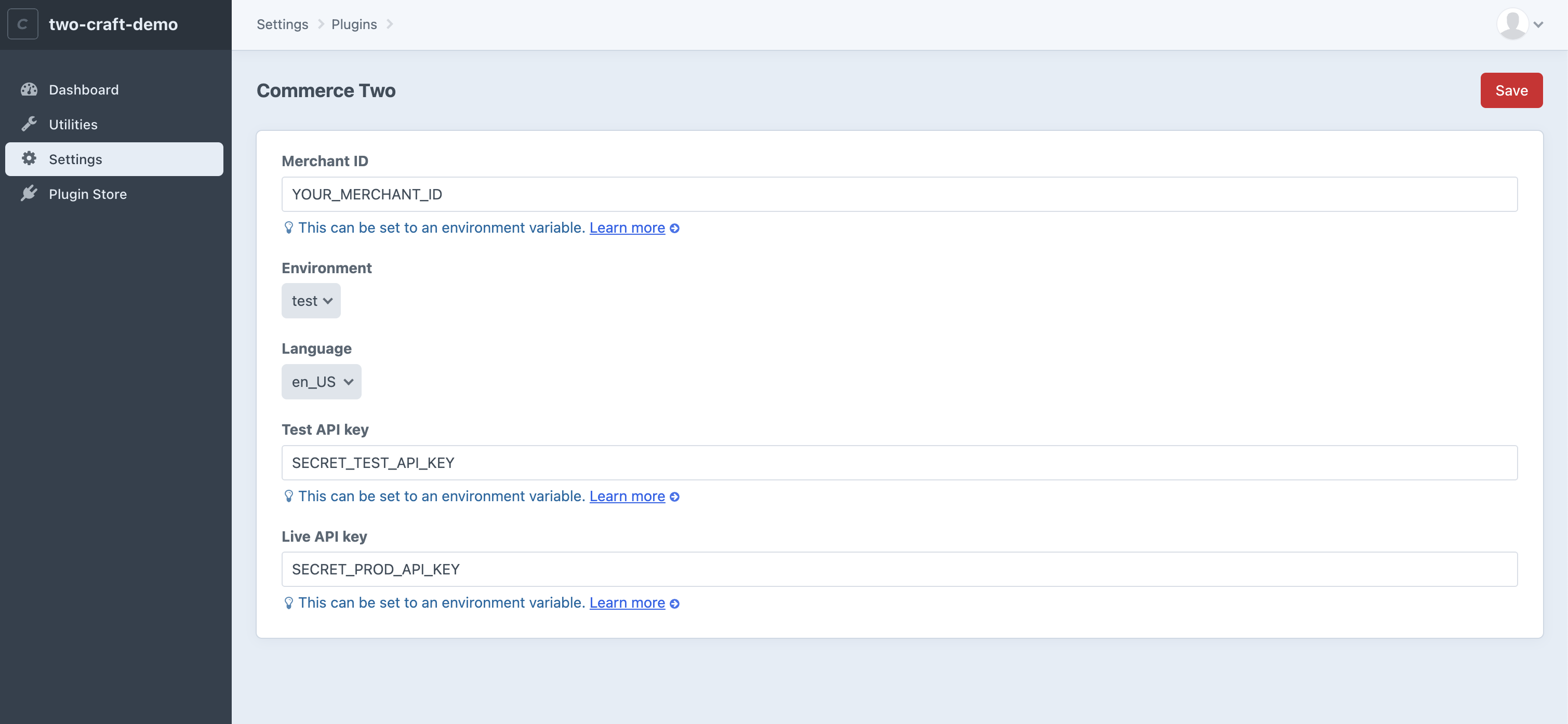
- Enter your credentials:
- Merchant ID – Your Two merchant identifier
- API Key – Your Two API key
- Environment – Select Staging or Production
- Invoice Language – Language for generated invoices
Step 2: Create Payment Gateway
- Navigate to Commerce → Settings → Gateways (or visit
/admin/commerce/settings/gateways)
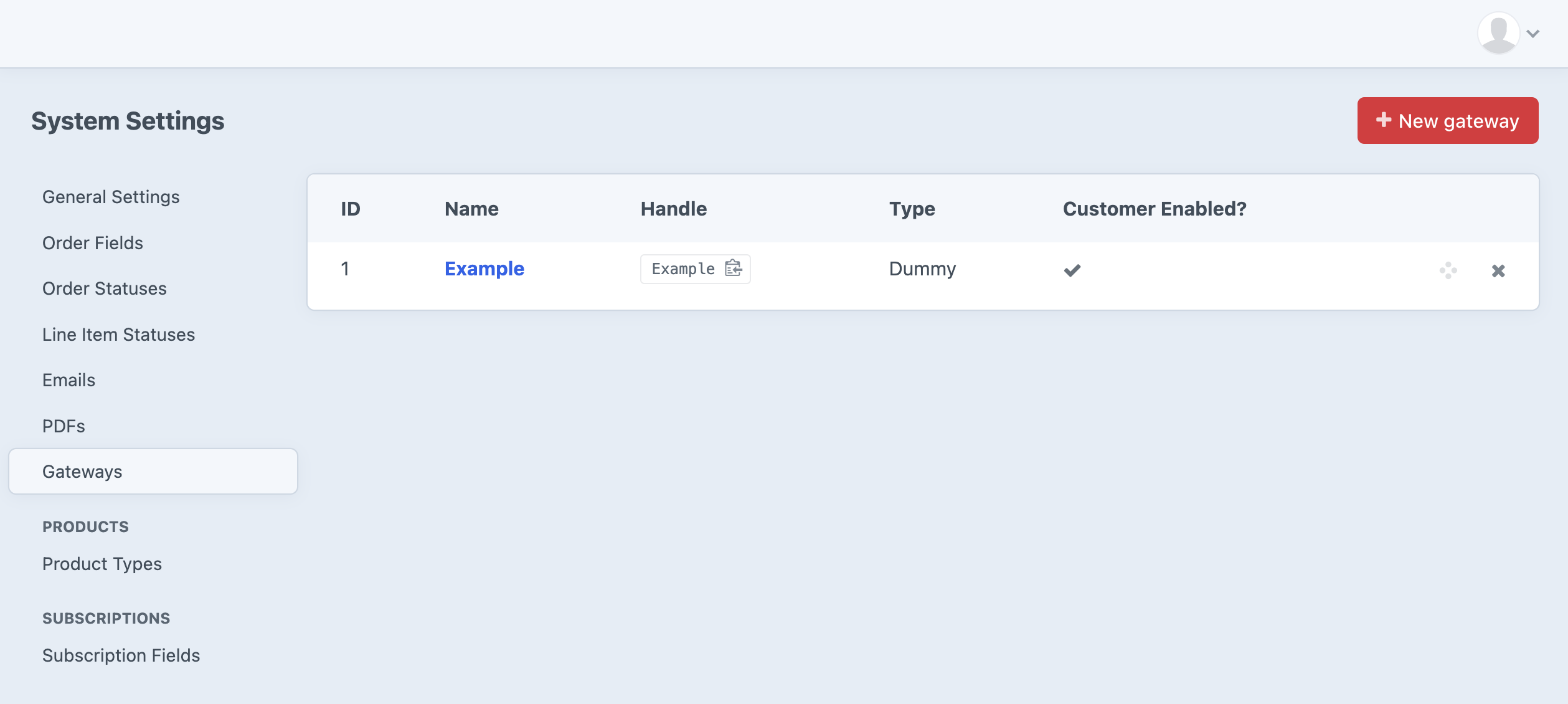
- Create a new payment gateway
- Select Two as the gateway type
- Choose your preferred payment mode:
| Mode | Description |
|---|---|
| Purchase | Immediate capture – payment is captured when the order is placed |
| Authorize Only | Delayed capture – you must manually capture payment for each order |
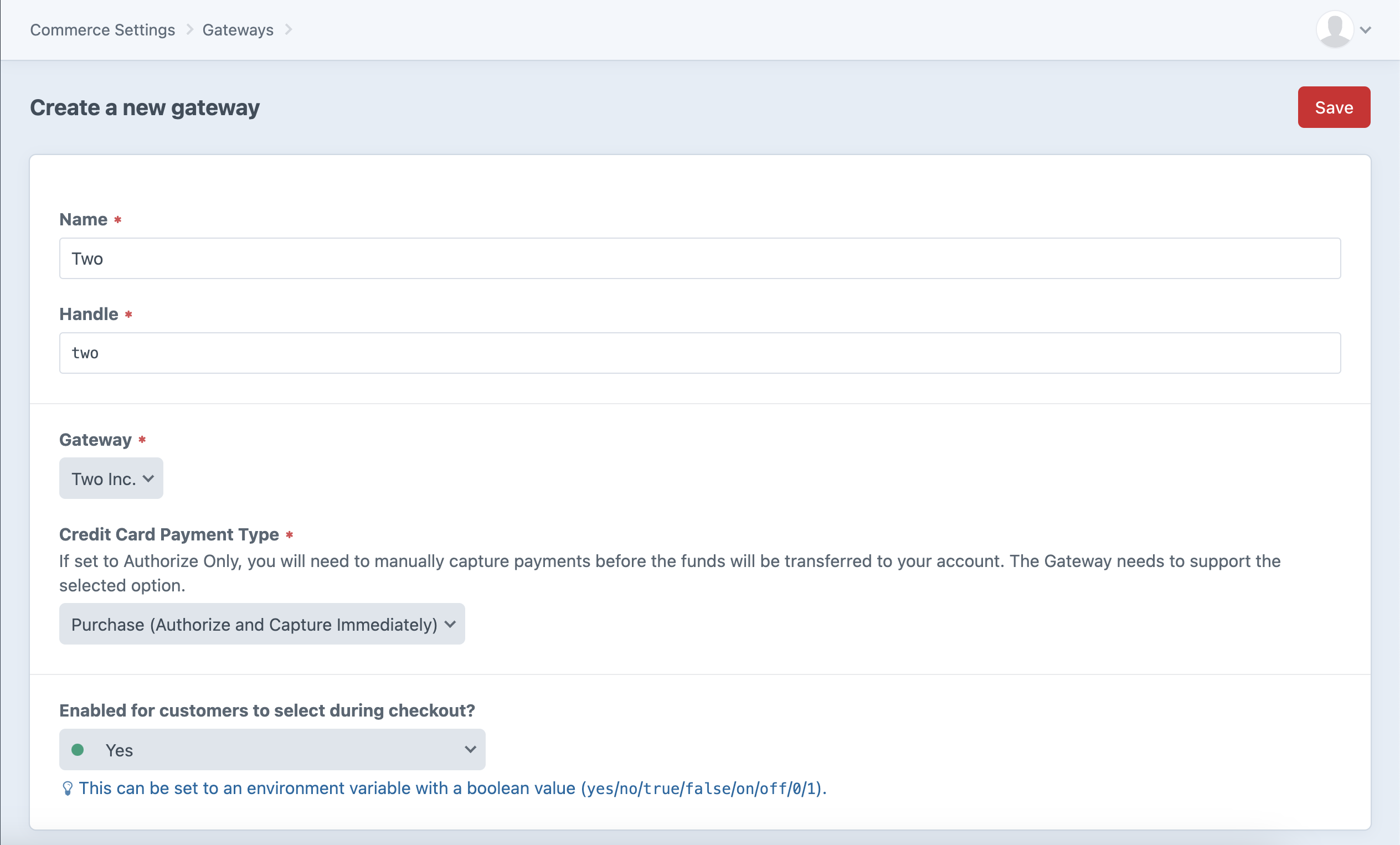
If you select Authorize Only, remember to manually capture payments for each order in the Craft Commerce admin panel.
Features
The Craft Commerce Two plugin provides several actions for your checkout templates:
| Action | Description |
|---|---|
commerce-two/company-search | Query companies by name or organisation number |
commerce-two/company-address | Retrieve the registered address for a company |
commerce-two/company-check | Verify if a company can use Two as payment provider |
commerce-two/set-company | Save company information to the cart (required) |
commerce-two/set-customer-addresses | Attach billing/shipping addresses to the customer |
The commerce-two/set-company action is mandatory – this information is used during API communication with Two.
If your website uses custom address handling, the commerce-two/set-customer-addresses action is also mandatory as the plugin uses Craft 4's built-in Address handling.
Uninstallation
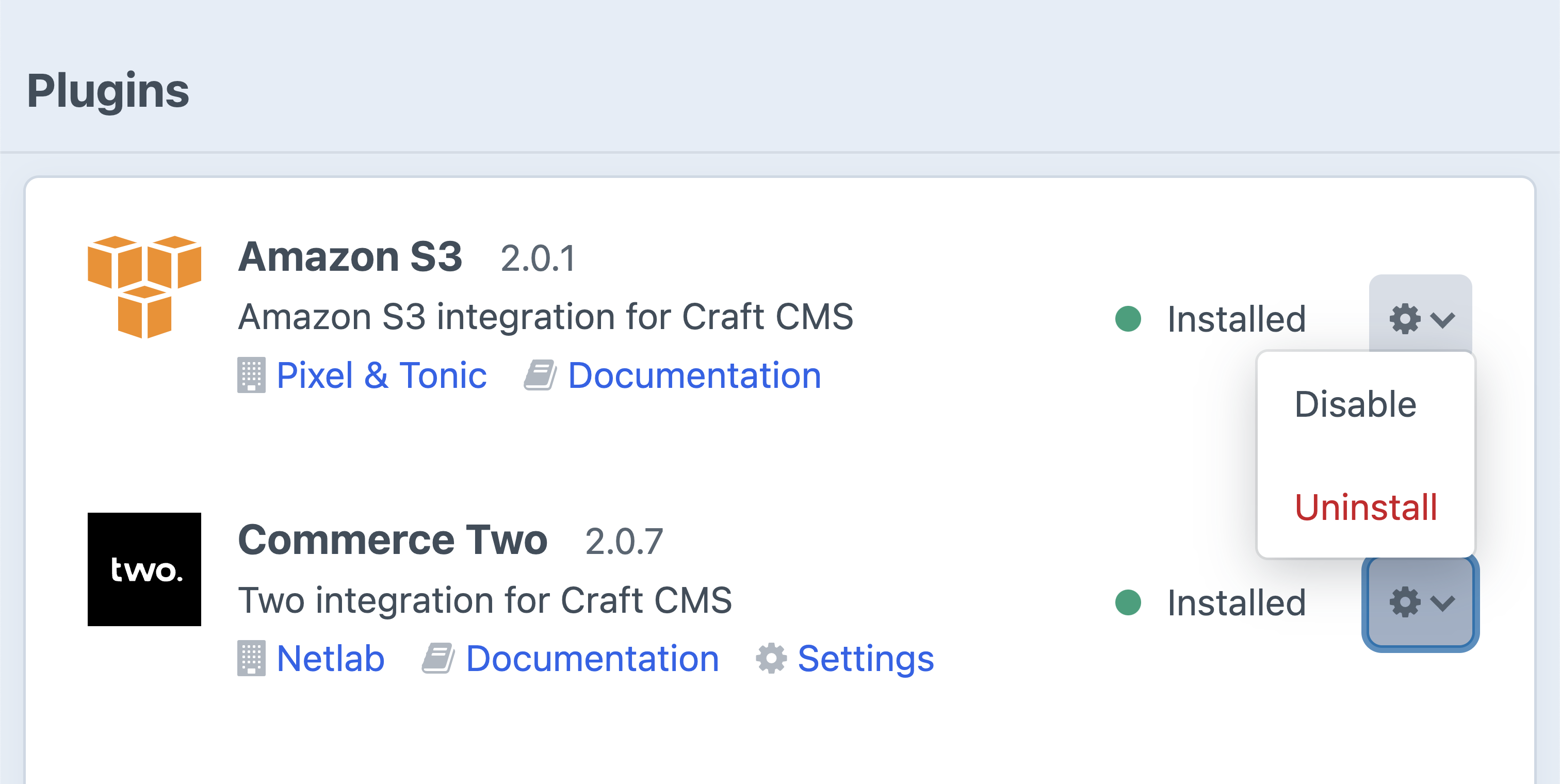
To temporarily disable or uninstall the Two Craft plugin:
- Navigate to Settings → Plugins
- Find Commerce Two
- Click the gear icon
- Select Disable or Uninstall
Need Help?
If you have questions or need assistance, please contact our support team.